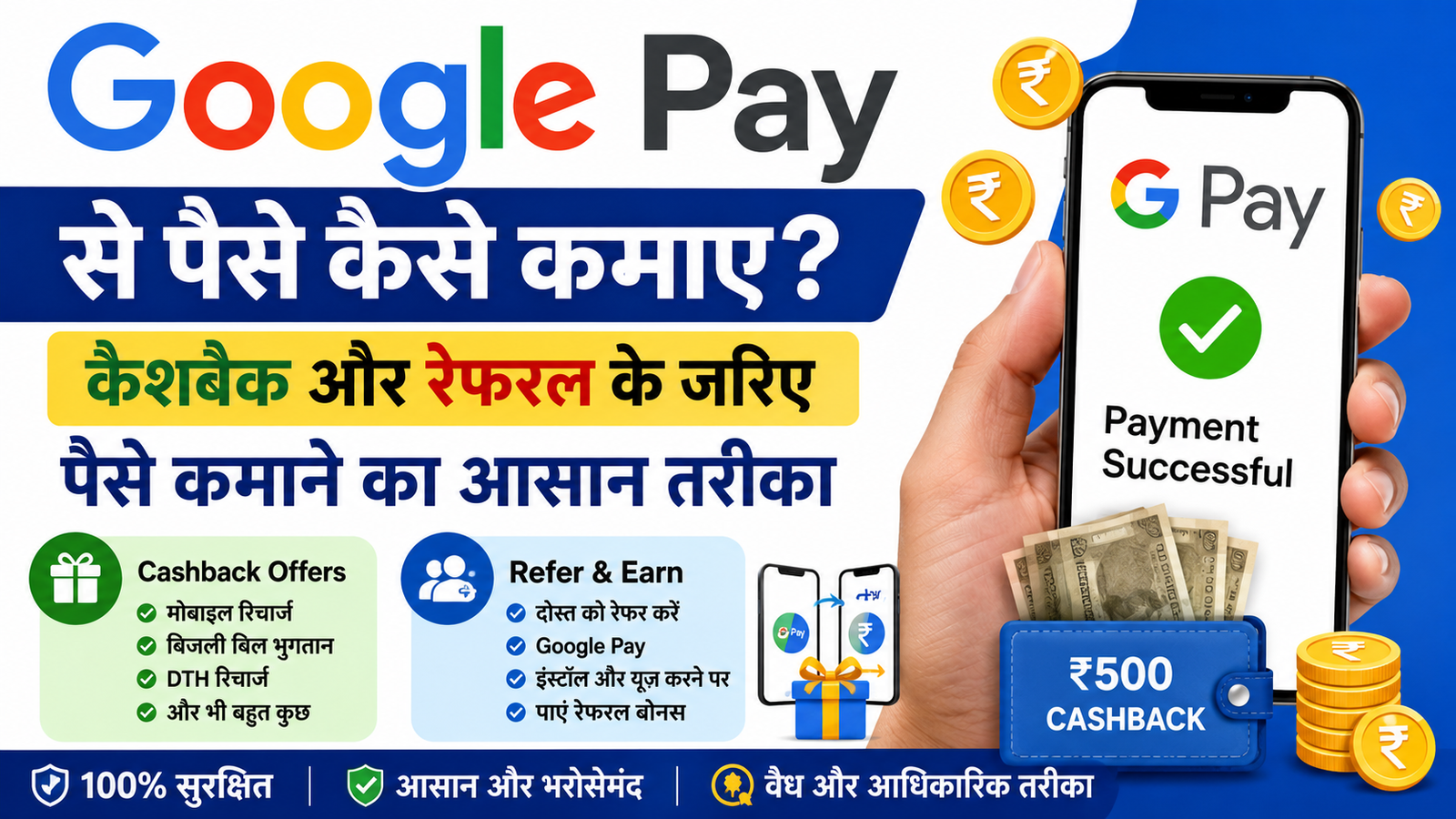
In today’s digital era, almost every person uses UPI app for online payment. Among these, Google Pay is one of the most popular apps. It can be used not only to send and receive money but also to get rewards or cashback through various offers and referral programs.
If you want to know that How to earn money from Google PaySo in this article we are giving you information about its major and valid methods.
Important: Cashback, rewards and referral bonuses from Google Pay change from time to time. Therefore, there is no guarantee of any fixed daily earning (e.g. ₹500–₹1000 per day).
Ways to earn money from Google Pay
Rewards or cashback can be obtained through Google Pay mainly in the following ways.

1. Google Pay Cashback Offers
Google Pay releases various types of cashback offers from time to time. If you transact under an eligible offer, you may receive cashback or rewards.
Offers can be found on these services:
- mobile recharge
- electricity bill payment
- water bill
- gas cylinder booking
- DTH/Cable TV recharge
- broadband bill payment
- UPI money transfer
- Other promotional offers
Cashback can be credited directly to your bank account or Google Pay Rewards section upon availing the offer.
2. Google Pay Referral Program
Google Pay runs a referral program from time to time to attract new users to the app. If there is a referral offer available on your account, you can share your referral link or code with your friends.
When your friend:
- Installs Google Pay from your referral link,
- creates your account,
- and fulfills all the eligibility conditions of the offer,
So as per the current offer policy of Google Pay you can get referral bonus.
The amount and eligibility of the referral bonus may change from time to time.
How to download Google Pay App?
To download Google Pay, follow the steps given below:
- Open Google Play Store or Apple App Store in your mobile.
- in search Google Pay Write.
- Click on Install button.
- After installation, create an account with your mobile number.
- Set up UPI ID by linking your bank account.
What can Google Pay be used for?
- UPI Money Transfer
- mobile recharge
- Electricity, Water and Gas Bill Payment
- DTH and Broadband Recharge
- QR Code Payment
- Online and offline shopping payment
- bank balance check
Be careful when using Google Pay
- Use only the official Google Pay app.
- Do not share your OTP, UPI PIN or banking information with anyone.
- Beware of any fake links or fake cashback offers.
- Please read the terms and conditions of the referral and cashback offer first.
FAQs
How to earn money from Google Pay?
Rewards or bonuses can be earned on completing eligibility through cashback offers and referral programs available on Google Pay.
Is it possible to earn ₹500 to ₹1000 daily from Google Pay?
It entirely depends on the offers available, referral schemes and their terms. Google Pay does not guarantee any fixed daily income.
Is it free to download Google Pay?
Yes, the Google Pay app can be downloaded for free from Google Play Store and Apple App Store.
Does cashback from Google Pay come directly into the bank account?
It depends on the terms of the offer. In many cases, cashback is received directly into the bank account or Google Pay Rewards.
For what purposes can Google Pay be used?
UPI transfer, mobile recharge, bill payment, QR payment, online shopping and other digital payments can be done through Google Pay.